 Planner
Agents
Agent skills
Three skills for Claude Code, Codex and other agents that read SKILL.md folders. Use them as they are, or as a starting point for your own.
Install a skill
Copy the skill's folder from skills/ into your agent's
skills directory, for example ~/.claude/skills/ for Claude Code or .agents/skills/ in a project for Codex:
git clone https://github.com/limyuquan/planner /tmp/planner
cp -R /tmp/planner/skills/planner-setup ~/.claude/skills/
planner-setup
Sets Planner up, or changes its config, for you: finds your docs folders, looks at how each is organised, adds them
with planner config add, matches the layout keys to each folder, and checks the result with planner config check
until it matches what is really there. Use it when installing Planner, adding a project, or when Planner is not showing
your plans.
link-plan
Tells an agent to show you a plan in Planner with planner open '<link>' instead of pasting a file path, and how to
build the link.
visualise
Has an agent turn a plan, a diff or a codebase into one self-contained HTML page in a consistent style:
- plan, before implementation: what will change, how it works, decisions, risks
- recap, after implementation: what landed, behaviour before and after, the diff explained, verification
- explore, a codebase map; explain, one concept; eli5, a picture page
- diff-review, findings you can select
Every page states its conclusion up front, backs claims with file:line and numbers from commands it ran, and ends each
section with a picture-book explanation. The main agent briefs one subagent, which follows
render/GUIDE.md and the components
in render/base.html. Pages follow
Planner's light and dark switch.
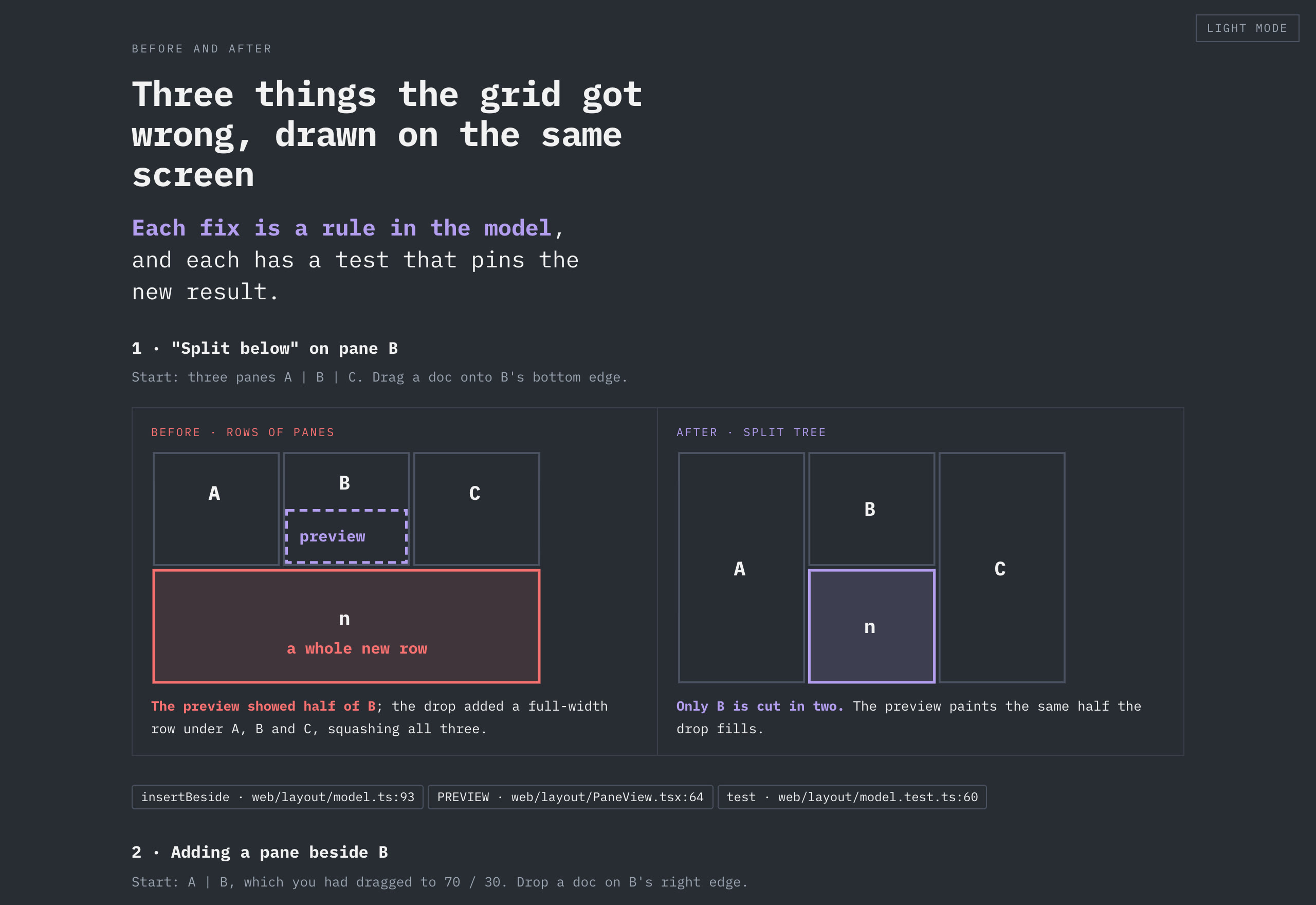
The demo folder's planner-v1 task, about Planner's own build, was written this way.